Timelapses.app logo

Time-lapses without hassle.

Capture fun time-lapse videos with our native menu bar app.

todo: add the demo
(note to/by site author)

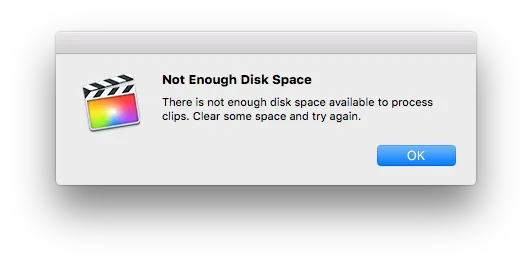
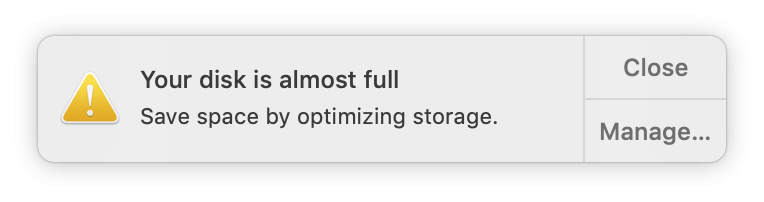
Most screen recorders capture every frame at full speed. One hour of footage fills 5–15 GB β€” just so you can throw most of it away in post.

Then you open Final Cut or Premiere, apply the speed ramp, wait for the export, and finally get the file you actually wanted. That's inefficient, slow, and totally avoidable.

This app only writes the frames that end up in the final video. A one-hour session becomes a finished timelapse around 100–300 MB β€” ready to share, no editing required.

Press record. Keep working. When you are done, the time-lapse is done too.

Ostap Brehin

Ostap Brehin

21-year-old developer from Ukraine

Features One more thing.

Pause and Resume

Take breaks. Not everything needs to be on camera. Resume at any point.

Exclude selected apps

Select the apps to hide them from the recording. Only on macOS.

Set custom video speed

Customize the speed to your liking! By default, one hour of recording is a 10-minute timelapse.

Up to 50Γ— smaller files

Only the frames in the final video are ever written to disk. A 1-hour session is ~100–300 MB instead of 5–15 GB.

Pricing

Pay once. Own forever.

One-time license

$14.00
Purchase

30-day money-back guarantee

What’s included

  • Includes 1 year of updates
  • Both macOS and Windows versions
  • Signed with a Developer license
  • Support via online chat or by email

FAQ

Privacy?
The app has no network access. Your data stays on your machine.

System requirements?
macOS 12 (Monterey) or later. Contact us if you have an older version.

Refunds?
Yes. If it is not for you, email us and we will refund you.